
Just got a new MacBook? Or a long-time macOS user looking to streamline your workflow?
Here’s a curated list of essential apps I install on every Mac. They’re all free, open-source, and focused on improving productivity without adding unnecessary complexity.
If you’re getting started, you may also want to check out my guides on installing Homebrew and choosing the right web browser for your setup.
Index:
- OnlyOffice
- IINA
- Keka
- Rectangle
- KeepingYouAwake
- Hidden Bar
- Ittsycal
- Maccy
- MonitorControl
- MeetingBar
- OnlyOffice
When you get a new Mac, you have 3 choices:
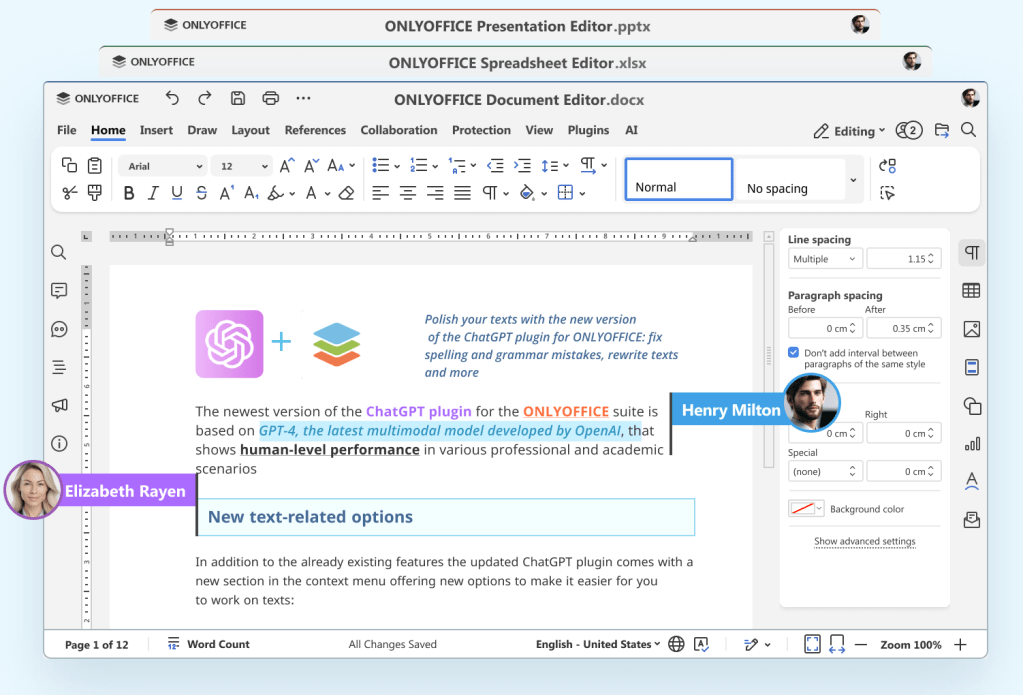
First one, is to stick the software provided by apple: Pages, Numbers, etc. Or get a fresh license for Microsoft Office. Now , the alternative I choose is to install OnlyOffice (something I do to my personal Windows computers, too). The reason is Only Office is extremely similar to Microsoft Office, it handles the same file formats and it just looks the same. However, OnlyOffice is Open Source and free thus you do not need to pay hefty license or rely in apple products that are not totally compatible with Microsoft formats.
2. IINA
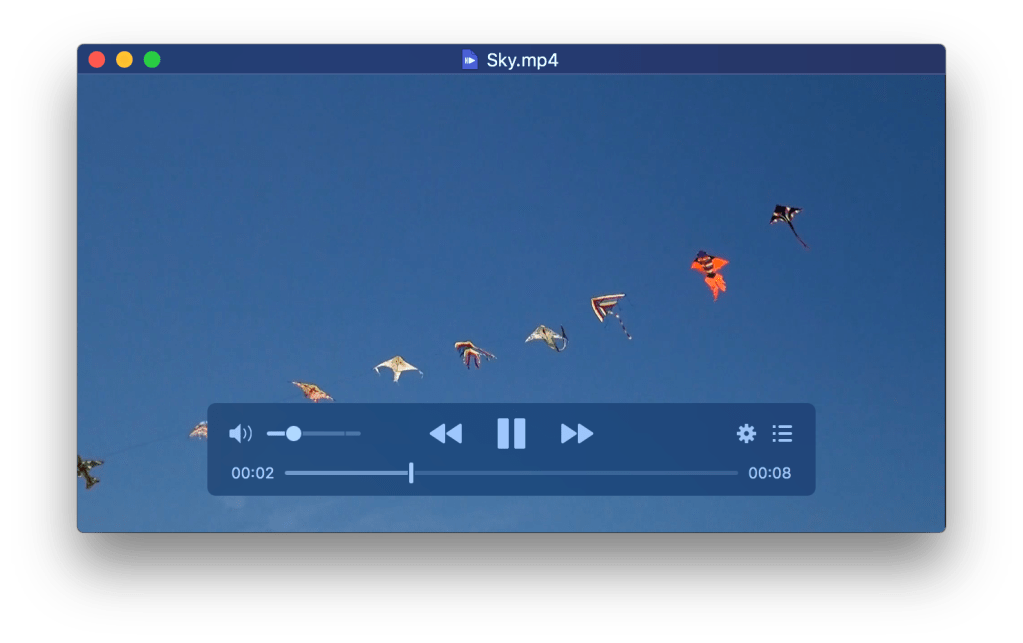
Looking for a proper media player? Instead of VLC for Mac, I recomend IINA. IINA keeps the consistent design language of Mac while also having some interesting functions like playing stream sources or online videos.
3. Keka
Keka is a lightweight file archiver and extractor—think of it as the macOS equivalent of tools like WinZip or WinRAR. While the built-in macOS utility works fine for basic tasks, it’s fairly limited and doesn’t support formats like .rar or .7z. Keka fills that gap with broad format support and a simple, reliable interface.
4. Rectangle
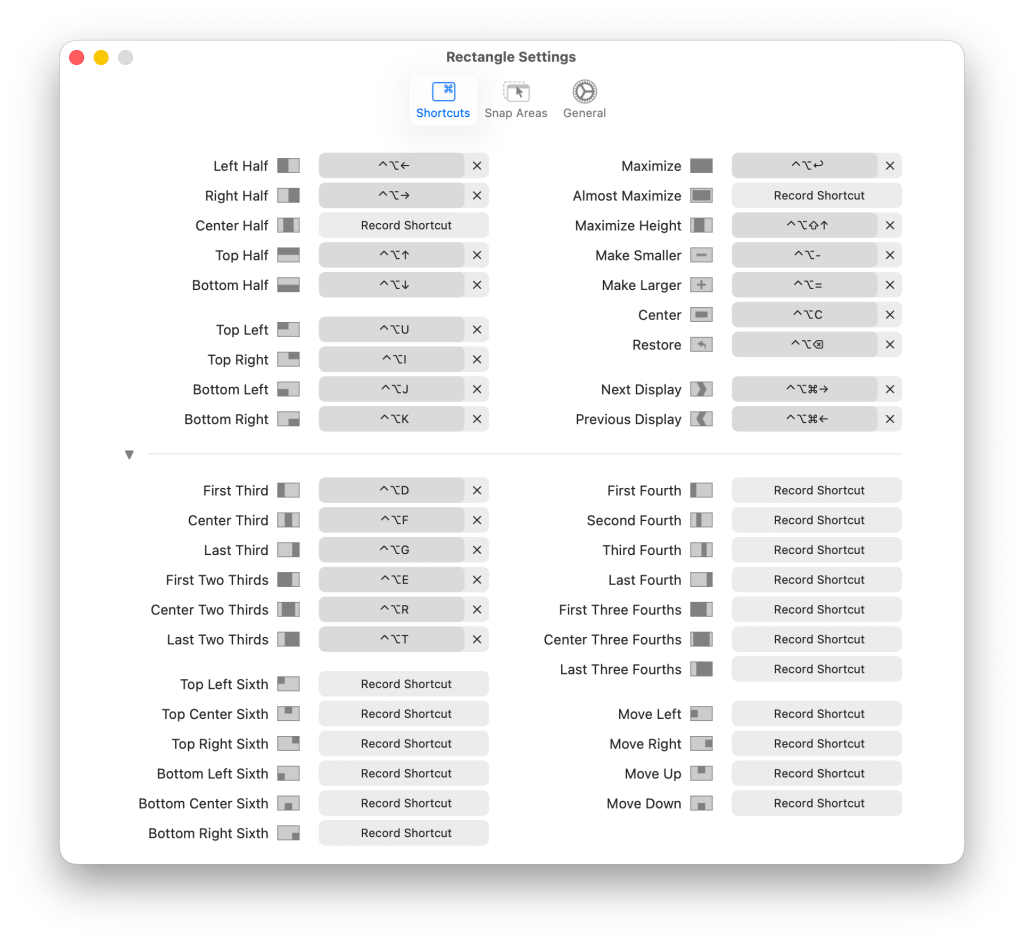
Rectangle is a productivity tool that lets you control window placement on macOS using simple keyboard shortcuts. It runs quietly in the background and makes managing your workspace faster and more efficient.
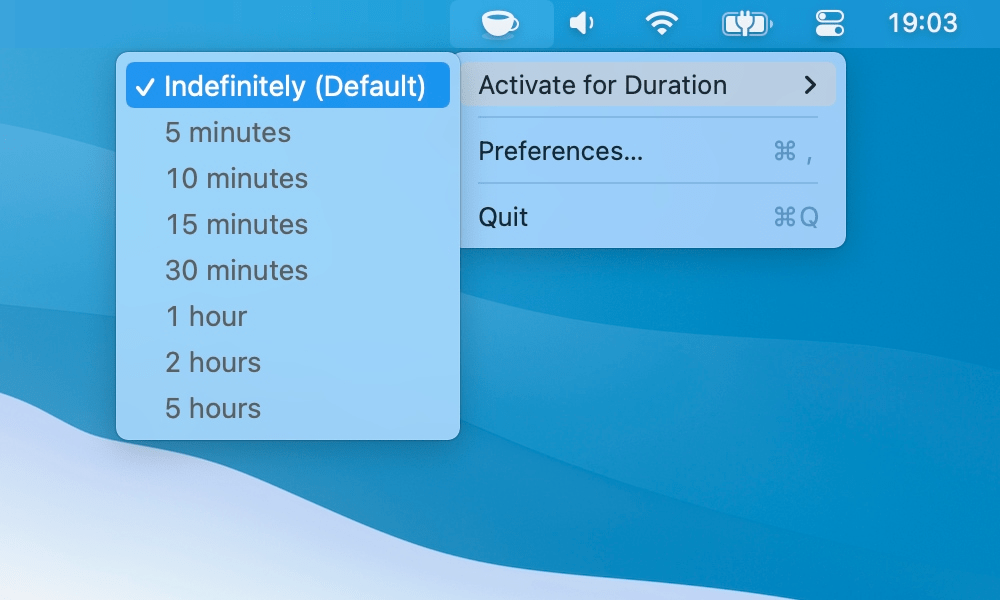
KeepingYouAwake is a low overhead tool for Mac, that with a simple click in your menu bar, you can prevent your mac to go to sleep.
6. HiddenBar
Hidden Bar is a utility for macOS that allows you to hide menu bar items, giving your Mac a cleaner look. You can easily manage which icons are visible or hidden and customize settings like auto-hide duration and global shortcuts.
7. Ittsycal
Itsycal is a simple menu bar utility that displays your calendar and upcoming meetings at a glance. It integrates seamlessly with the Apple Calendar app and includes useful features such as ISO week numbers.
8. Maccy
Maccy is a lightweight, open-source clipboard manager for macOS that keeps a history of copied items, allowing users to quickly access and paste previous clipboard contents. It is designed to be simple and efficient, focusing solely on managing clipboard history without unnecessary features.
MonitorControl allows users to control the brightness, contrast, and volume of external monitors directly from the menu bar. It utilizes the DDC/CI protocol to adjust hardware settings without needing to use the physical buttons on the monitor.
10. MeetingBar
MeetingBar is a menu-bar app for macOS that helps users manage their calendar meetings by displaying upcoming events in the status bar and allowing quick access to join or create meetings with just one click. It integrates with over 50 meeting services, including Google Meet and Zoom, making it easier to stay organized and on time for virtual meetings.
Bonus… running a new mac? Then install hombrew in your mac and run this command in the terminal to install all thos applications at once.
brew install --cask onlyoffice iina keka rectangle keepingyouawake hiddenbar itsycal maccy monitorcontrol meetingbar


Leave a Reply